Buddy Punch
Buddy Punch is time clock, scheduling and payroll software for businesses whose hourly employees work across multiple sites or in the field.
About Buddy Punch
What Buddy Punch does
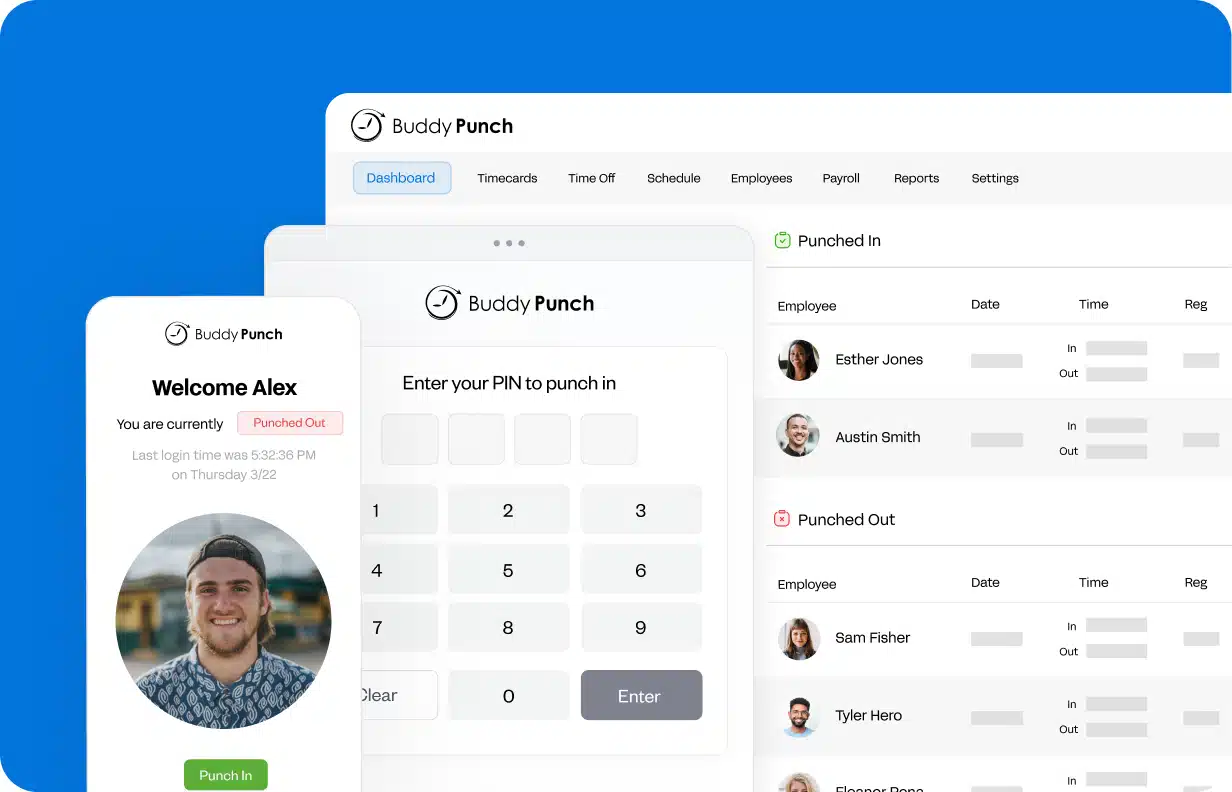
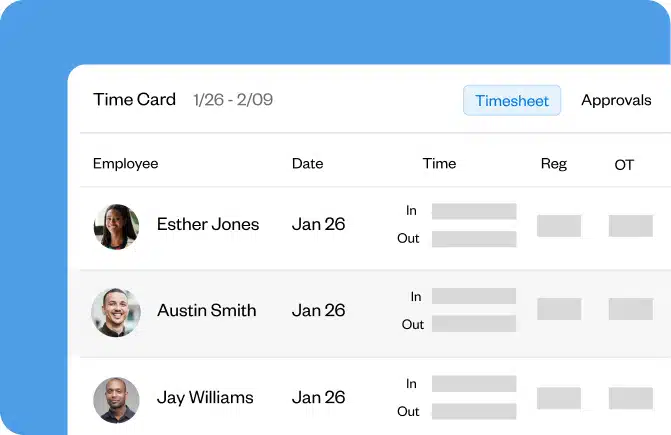
Buddy Punch is web-based time clock, scheduling and payroll software aimed at businesses whose hourly employees work in more than one place: job sites, patients' homes, retail storefronts, plant floors or delivery routes. Staff clock in and out from a computer, a mobile phone or a time clock kiosk using a PIN, facial recognition or a QR code, and those punches become payroll-ready timesheets. Users do not need a unique email address to be added to the account.
Core functions
- Time tracking with automatic calculation of regular hours, overtime and pay
- Employee scheduling with a drag-and-drop builder, recurring shifts and assignment to different roles or locations
- Attendance tracking with alerts for late arrivals, early outs and missed shifts
- PTO tracking with accrual rules, request and approval flows, and automatic deduction from balances
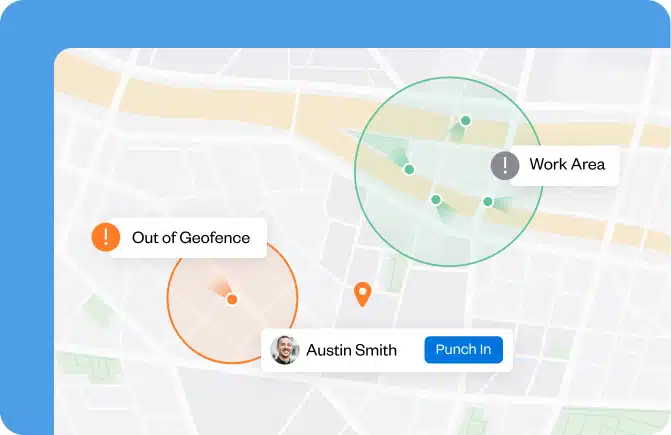
- GPS tracking and geofencing to see where employees are on the clock and block offsite punching
- Break rules, job costing, photo verification, QR codes and reporting
Accountability and labour-cost controls
The platform includes features designed to reduce time theft and payroll errors: selfies on punch, IP address locks that only allow punching from the business Wi-Fi, punch limiting before a shift starts, automatic clock-outs, automatic removal of unpaid breaks, overtime alerts, punch reminders and manager approval of timesheets before payroll runs. The site also states that break rules can be configured to follow state meal and rest break requirements, and that custom overtime policies can be set up.
Payroll and integrations
Reports can be exported in formats prepared for a payroll provider, or the data can be sent to payroll software such as QuickBooks, Gusto or ADP. Buddy Punch also offers its own built-in payroll service. Implementation is presented in three steps: adding employees individually or in bulk, starting to collect punches, and running reports.
Who it is for
The company lists field services (construction, landscaping, cleaning, plumbing, home repair, HVAC, agriculture), office and remote teams (professional services, agencies, accountants, lawyers, developers, government) and on-site teams (healthcare, restaurants, call centres, retail, schools, medical practices).
Ratings and support
The site reports a score of 4.8 out of 5 on G2 and Capterra based on more than 1,600 reviews, and states that customer support is handled by U.S.-based representatives. No pricing figures are published in the available information.
Details of features, plans and support terms should be confirmed directly with the company.
Time tracking and scheduling for hourly, multi-site teams
Photos
Select a photo to enlarge it.