
E Display
Cloud digital signage software and 4K media players for managing TVs, kiosks and video walls from one dashboard, built for retail, restaurants and offices.
About E Display
Cloud digital signage software for any screen
E Display provides cloud digital signage software that turns TVs, kiosks, tablets and video walls into managed displays. The company describes the setup as plug in, power up and go live, with content built and scheduled from a web dashboard and updates pushed instantly to one screen or to thousands. Its own figures put the business at 17+ years in digital signage, 1,500+ companies served and 5,000+ screens powered, with a 4.9 / 5 rating from 1,500+ businesses.
The platform is positioned for users without a technical background. The documented flow has three steps: plug the player into any TV or display and pair it with the account; upload content through the web dashboard to build and schedule it; then go live, with content pushing instantly across every location. The company offers a free demo and a free 20-minute consultation tailored to the client's industry.
Dashboard, scheduling and offline playback
- Cloud dashboard to control every screen from anywhere.
- Drag-and-drop content builder with templates.
- Campaign scheduling by time, day or location, including content scheduled ahead of time.
- Offline playback that keeps screens running if the internet connection is lost.
Hardware and devices already owned
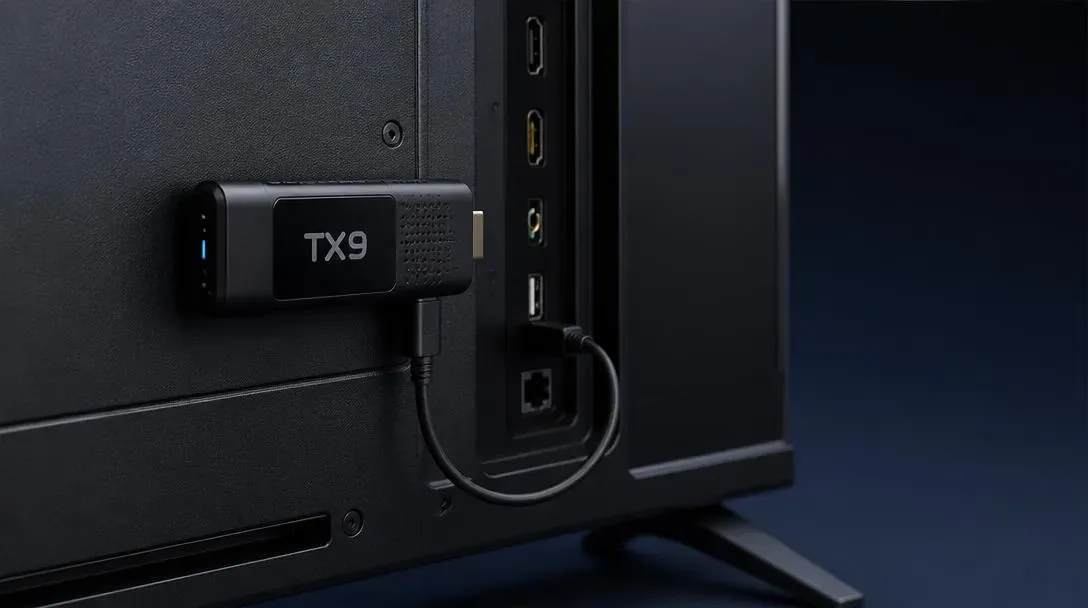
E Display sells affordable plug-and-play devices, including the TX9 Digital Signage TV Stick: a compact 4K Android 14 signage stick that plugs directly into any HDMI display and is described as small, silent and ready in minutes. The software also runs on platforms the client may already own — Chrome OS, Windows, Android TV and Raspberry Pi — by installing the app and logging in.
Solutions by industry
The catalogue of digital signage solutions covers digital menu boards, building directories, healthcare, hospitality, education, retail, corporate communications, manufacturing and distribution, video walls, events and conferences, transportation, banking and financial, fitness and gyms, places of worship, real estate, government and municipal, and auto dealerships.
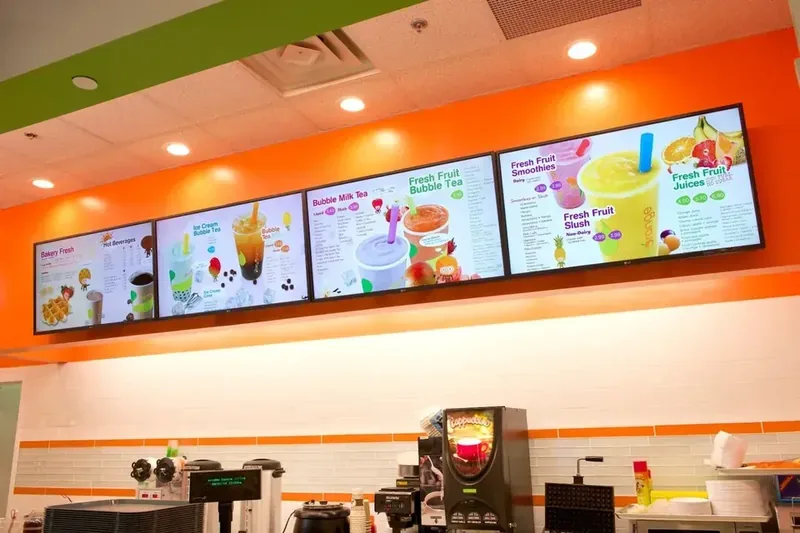
Digital menu boards are presented as the spotlight solution for restaurants, cafes, QSRs and food courts, with these documented capabilities:
- Instant price and item updates across all locations.
- Dayparting that automatically switches breakfast, lunch and dinner menus.
- High-impact video and animated specials.
- POS and inventory integrations.
A client quoted on the site, Beau C., president of a restaurant project, describes a rapid deployment up and running right away with simple menu board designs, and notes that the depth of the software should handle more complex designs after the initial launch.
Sign Studio integrations and content sources
The Sign Studio environment lists 60+ integrations and built-in components, including RSS, weather, stocks, image catalog, webcam, clock, chart, HTML, video, custom RSS, X (Twitter), YouTube, Facebook, Instagram, Google Calendar, Google Drive, JSON viewer, XML collection, QR code, alarm system, countdown, FasterQ, Pinterest, Dropbox, location, Google Sheets, Canva, TikTok, LinkedIn and IFTTT.
Documented deployment: NT Suites
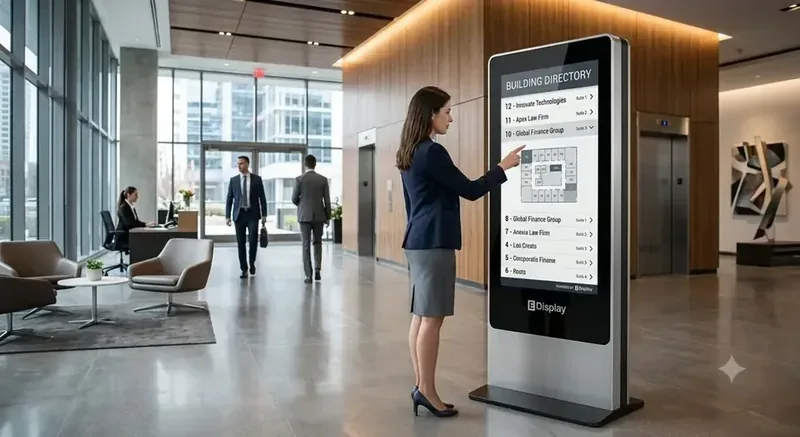
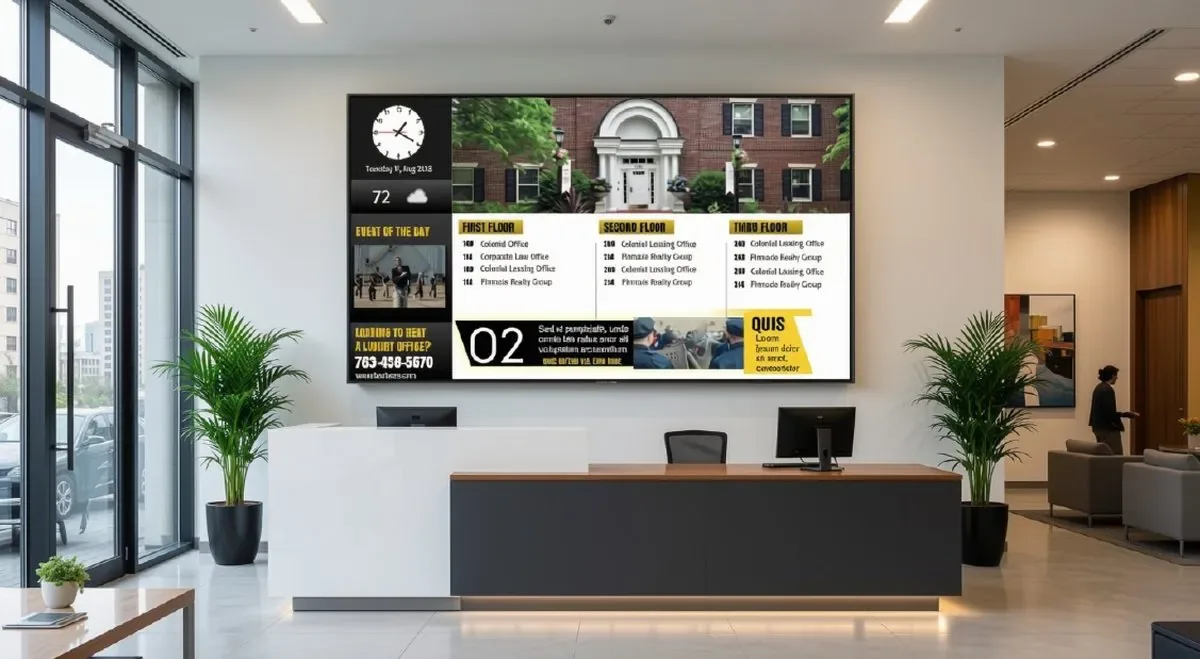
NT Suites, an executive office-suite provider with four locations in Texas, replaced printed lobby directory boards with E Display digital building directories. The client profile documents two floors and 25 tenants per building, with fully serviced executive office suites, coworking space and meeting rooms let on flexible month-to-month terms, which makes the lobby directory a key touchpoint for visitors, couriers and prospective tenants.
The documented setup runs a portrait directory template on each lobby screen, with the tenant list grouped by floor, suite numbers, a building logo header and a live date, time and weather zone. Property managers maintain tenant names, suite numbers and floor listings in a shared Google Sheet, and Sign Studio's built-in Google Sheets app reads that sheet to populate the directory automatically; additions, moves and removals appear on every lobby screen within moments, with no re-lettering or manual scene edits. Amenity notices, available-suite promotions and building announcements rotate in a secondary zone alongside the directory. One sheet feeds the directories in all four Texas locations, keeping branding, layout and tenant data consistent, and the company reports that the client standardized on the system, replacing recurring print costs with a single cloud subscription.
Other case studies referenced on the site include franchise-wide digital menu boards for Big Orange across Canada and the US, interactive touch screens in the corporate lobby of CANA Construction, and hotel digital signage at Holiday Inn, Calgary International Airport.
Coverage, shipping and pricing
E Display supports deployments across the United States and Canada from two offices, the Chicago area and Calgary, Alberta, with completed installs in cities from Toronto to Charlotte. Documented city pages cover Toronto, Vancouver and Charlotte, and regional pages cover Ontario, British Columbia, Alberta, Illinois, Texas and North Carolina. On those pages the cloud CMS is listed at $8 per screen per month, hardware is described as shipping free, content is built for the client and local installers are coordinated when a site needs on-site work. The Calgary office is described as offering Canadian shipping and local support.
Cloud digital signage software and 4K media players
Photos
Select a photo to enlarge it.