Plotagon
Plotagon makes do-it-yourself apps for creating animated videos with stylised virtual actors, pre-built scenes and multilingual voices.
About Plotagon
What Plotagon does
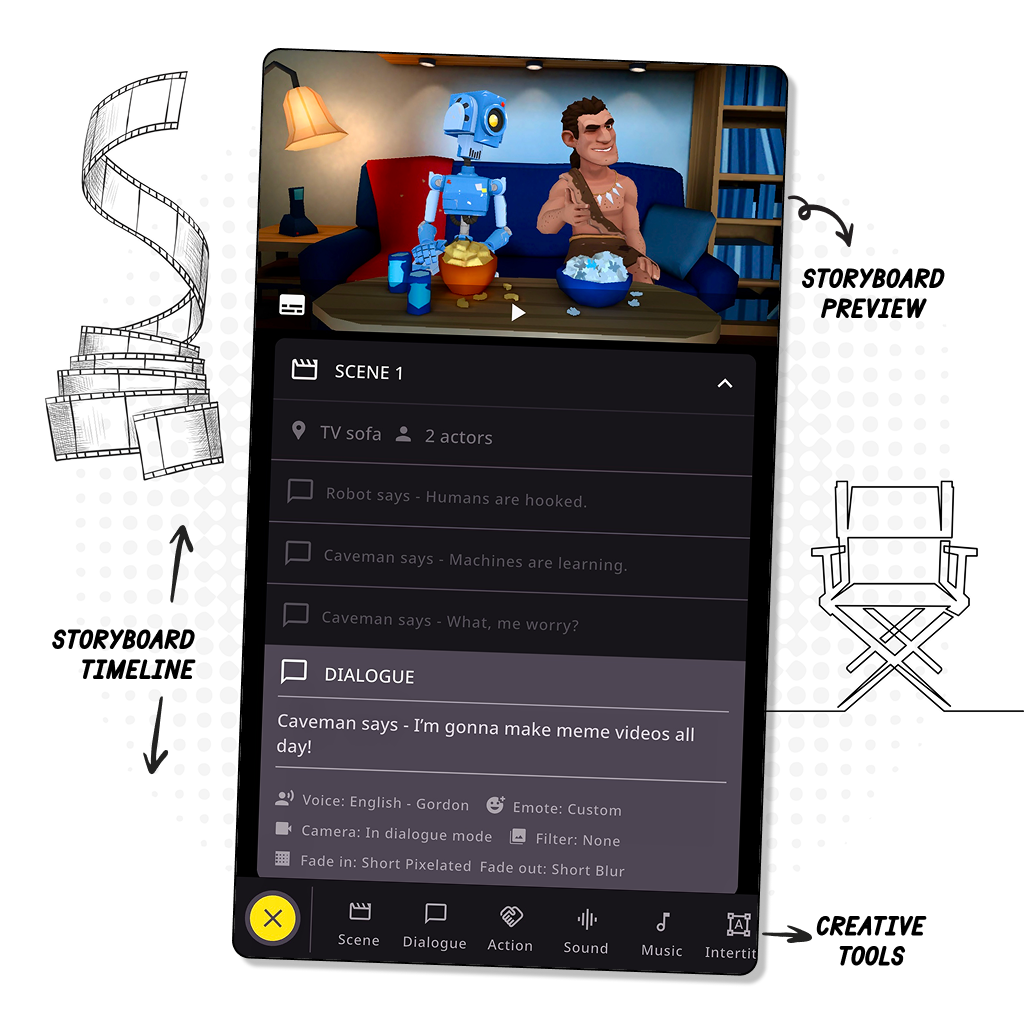
Plotagon Production AB develops apps for producing animated videos without cameras or crews. Users write dialogue, cast stylised virtual actors, place them in pre-built scenes and arrange the result on a storyboard timeline that the software turns into an animated clip.
Products
- Plotagon Studio Mobile — the most recent app. Includes the thematic content library of scenes, actors and costume bundles, custom actor creation, more than two actors per scene, independent emotes, a descriptive interface, the latest multilingual voices and no advertising.
- Plotagon Story Mobile — the classic mobile app. Offers the content library and custom actor creation, but not multiple actors per scene, independent emotes or the ad-free tier.
- Plotagon Studio Desktop — the classic version for Windows.
Creative tools and library
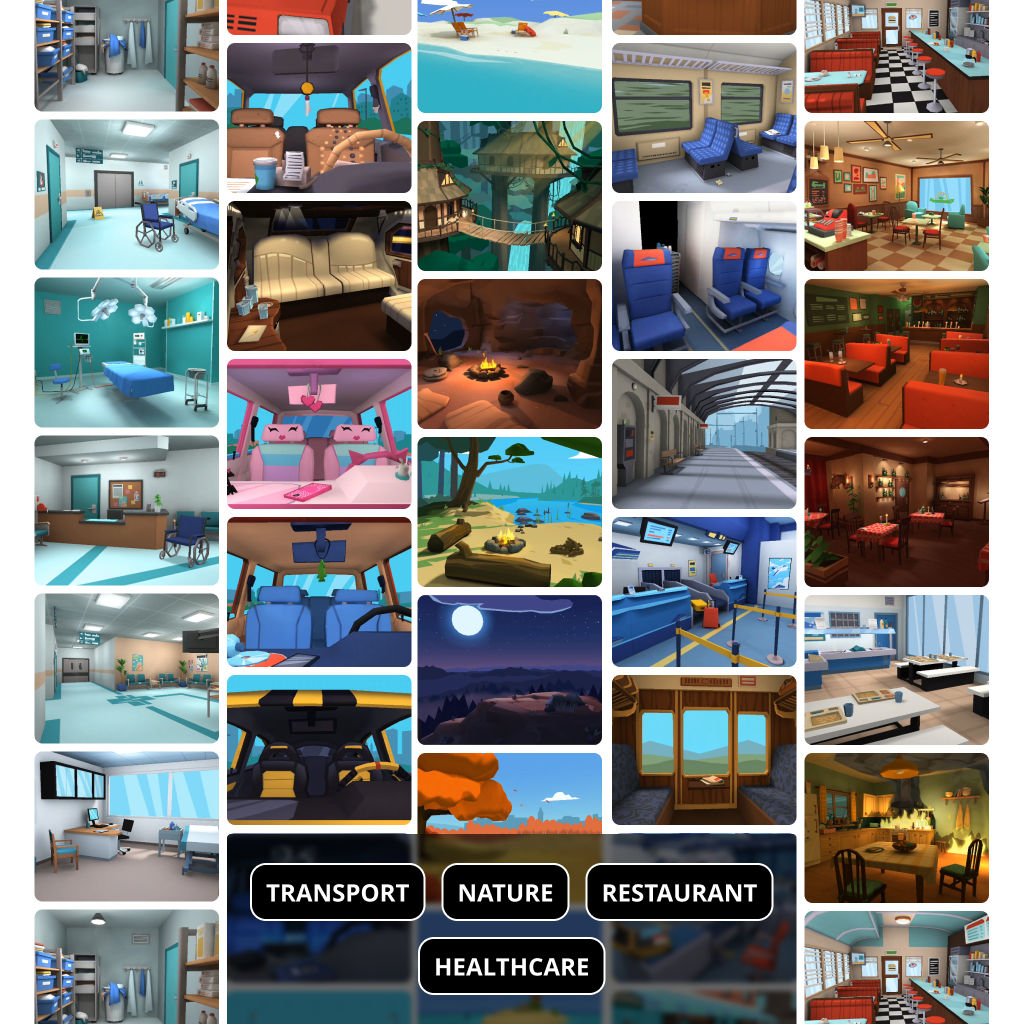
The toolset covers actions between actors, selectable camera angles, music and sound effects, intertitles with text and voice, plot and scene organisation, dialogue with assigned voices (professional voice library or the user's own recording) and emotes for conveying emotion. The library is described as offering more than 200 virtual locations and voices in several languages and dialects.
Stated uses and recognition
The company lists fan fiction, original narratives, social stories, training material, educational videos, advertising and marketing content among the uses of its apps. Plotagon has received a Red Dot Award; the jury citation highlighted the ease of use of the interface for creating and sharing movie sequences.
Company
Plotagon Production AB is based in Stockholm, Sweden. The site carries a copyright notice running from 2013 to 2026 and encourages users to share creations through its social channels.
Details of features and availability should be confirmed with the company before purchase.
Do-it-yourself animated video apps
Photos
Select a photo to enlarge it.