Wapzio
Nashik-based messaging platform for WhatsApp automation, visual chat flows, opt-in broadcasts, shared team inboxes, AI voice calls and ecommerce integrations.
About Wapzio
One workspace for WhatsApp sales and support conversations
Wapzio is a messaging automation platform operated from Nashik, Maharashtra. Its product is aimed at businesses that handle customer enquiries, sales and order updates through WhatsApp. The tools combine automated chat flows, broadcast campaigns, a shared team inbox and integrations with other channels and ecommerce services. The company also presents AI voice calling as part of the product, pairing calls with WhatsApp follow-up and lead-handling workflows.
Automations and customer journeys
- Visual chatbot builder: create no-code conversation flows using triggers, questions, quick replies and conditional paths. A common example is a greeting that offers a product catalogue or a live demonstration, then sends the relevant link based on the customer’s choice.
- Broadcasts and follow-ups: segment an opt-in audience, schedule a campaign, automate follow-up messages and review campaign reporting. Before sending, confirm the source and permission for every contact, approved template requirements, opt-out handling and the message frequency expected by customers.
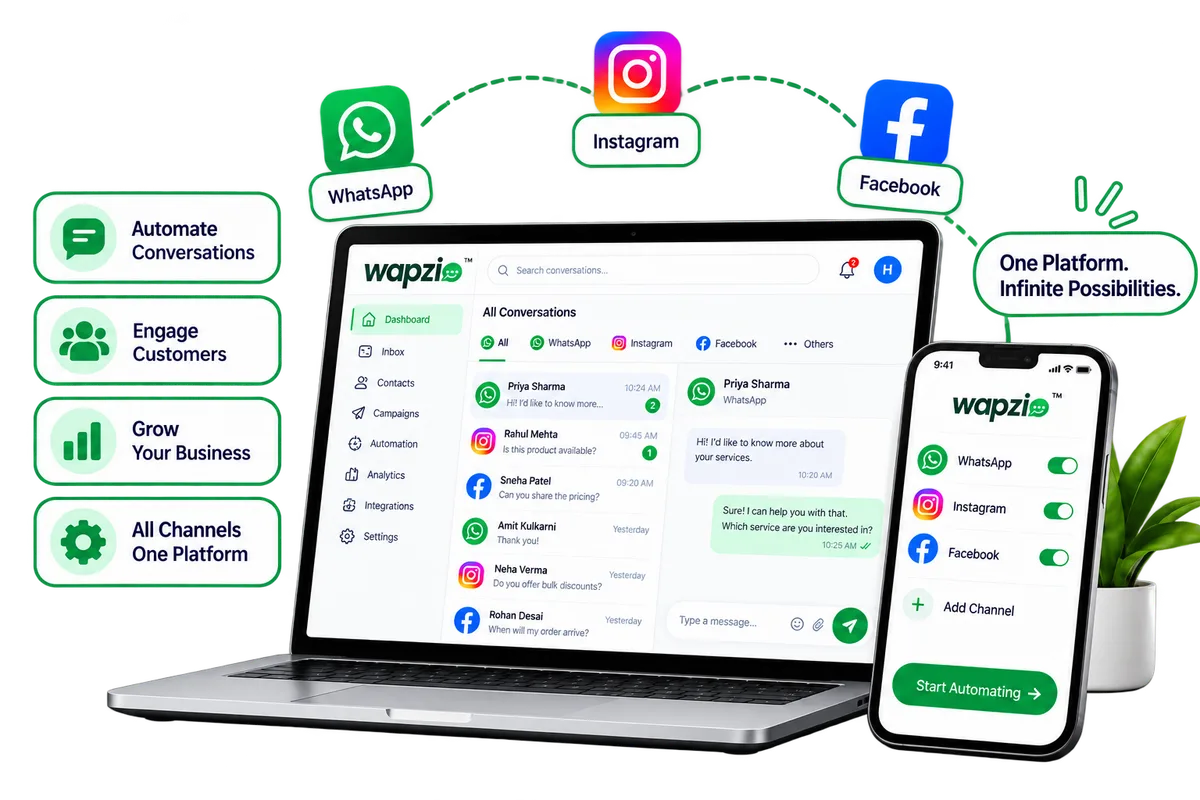
- Shared inbox: bring supported WhatsApp, Instagram, Facebook Messenger and Telegram conversations into a team workspace. Assign a conversation, add internal context, track its status and hand off to a person when automation cannot resolve the request.
- AI voice agent: the product describes automated inbound and outbound calling for tasks such as qualifying an enquiry, answering common questions or booking an appointment. Set clear limits for the agent, disclose automated interactions where appropriate, and provide a straightforward way to reach a human.
- Commerce connections: listed integrations include Shopify and WooCommerce for messages such as order confirmations, shipping updates, abandoned-cart reminders and payment links. Check which events and data fields each connection uses before enabling customer-facing messages.
How to assess fit before connecting a number
Start with one narrow workflow—such as routing a sales enquiry, answering delivery questions or collecting details for a service appointment—and map the path from first message to resolution. Decide which situations should be answered automatically, which require a team member and how the conversation will be assigned outside business hours. Test those paths with sample conversations before connecting a live customer list.
For a WhatsApp setup, confirm the account and number requirements, message-template approval, consent records, unsubscribe handling, team permissions and export or deletion options. For an ecommerce integration, test order status changes and payment links in a controlled way, and verify that a message is sent only for the intended event. If several channels are enabled, agree on one place where agents can see the conversation history and take ownership.
Local office and product enquiries
Wapzio’s office is listed at Office 2, 4th Floor, Gajanan Annex, Patil Lane No. 1, Canada Corner, Nashik. Use the Directions button for this Nashik office. Businesses evaluating the platform can request a product demonstration or onboarding help and should prepare their expected conversation volume, channels, current CRM or store platform, number of agents and the first workflow they want to automate.
WhatsApp chatbot flows, opt-in broadcasts, shared omnichannel inboxes, AI voice calls, ecommerce messaging and customer-support automation.
Photos
Select a photo to enlarge it.