Polylang
WordPress language-management plugin for translating posts, pages, taxonomies and URLs, with paid Pro and WooCommerce extensions for additional workflows.
About Polylang
Manage a multilingual WordPress site from its existing editor
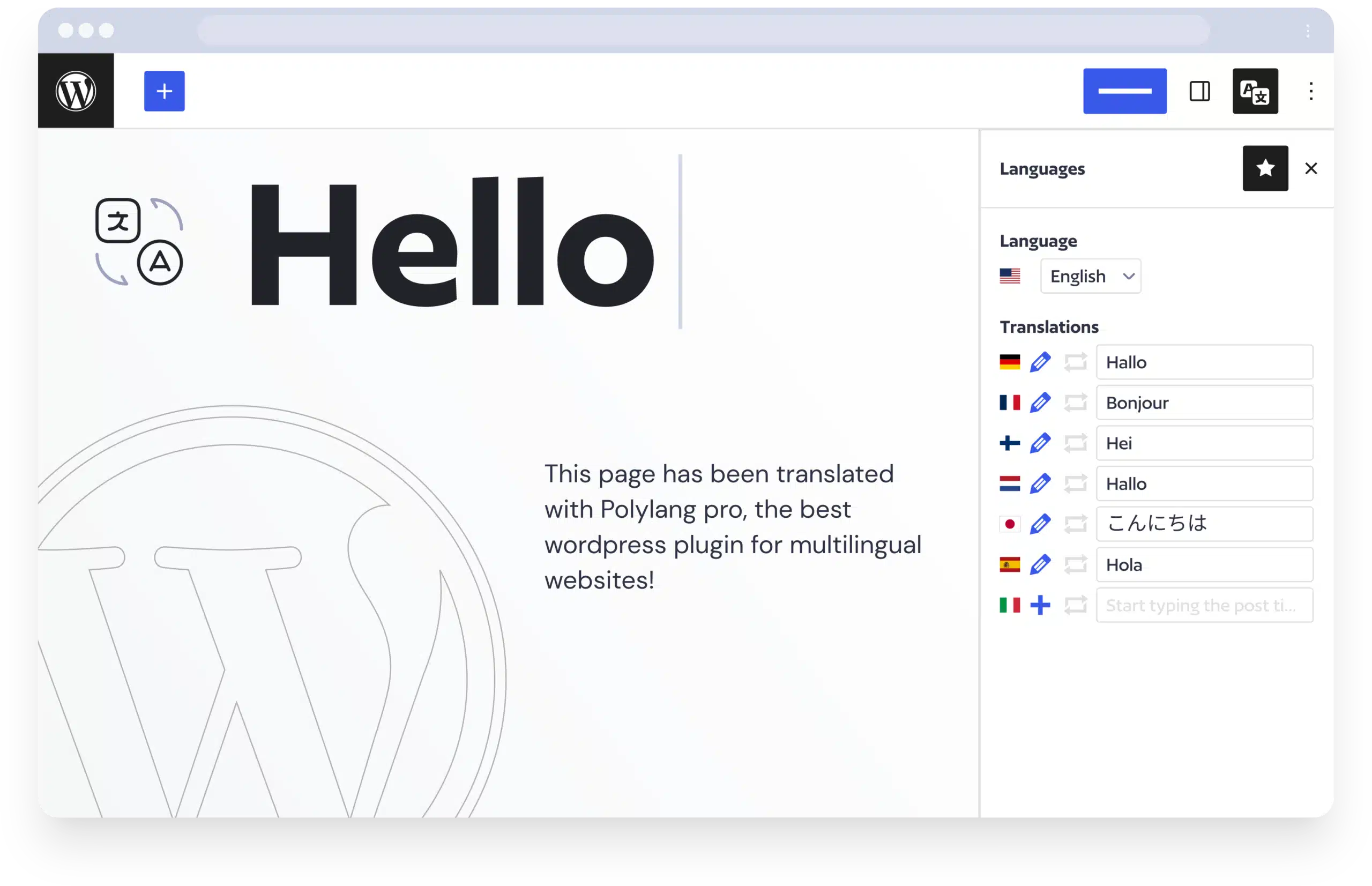
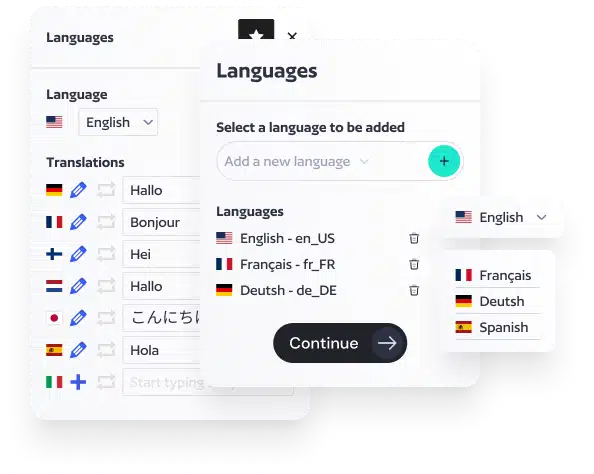
Polylang adds language assignment and translation management to WordPress, letting site owners connect translated versions of posts and pages while continuing to work in the familiar WordPress interface. An administrator can add site languages, assign a language to content and create links between corresponding translations. Language switchers can then help readers move between versions of a page.
What the tools cover
- Core translation workflow: posts, pages, categories, tags, media and language-aware navigation can be managed as a multilingual site grows.
- Polylang Pro: adds tools such as DeepL machine translation using the site owner’s API key, translated URL slugs, XLIFF import/export and additional translation-management features.
- Custom content: developers can enable language management for public custom post types and taxonomies when the theme or plugin registers them appropriately.
- WooCommerce: a separate WooCommerce add-on is needed to manage translated products and the multilingual shop flow. It covers product-related content and synchronizes selected store data such as stock; features differ by version.
Plan the language structure before importing content
Start by deciding which languages the site will support and how readers should reach them: language directories, subdomains or separate domains. Assign a language to existing posts, pages, categories and products before expecting them to appear in the correct language views. Then connect translations, review navigation and test language-switcher links, translated slugs, canonical URLs and search-engine language annotations. Unassigned content or an unconfigured custom post type can remain outside the language workflow.
Polylang is aimed at WordPress site owners, publishers, agencies and store operators who need to maintain content in several languages. The free plugin covers the basic editorial workflow; Pro and the WooCommerce extension are separate paid products, so compare the required features before choosing. Machine translation still needs human review for terminology, layout and local context, and the plugin does not translate an entire site with one click.
WordPress multilingual content management, translation links, language switchers and WooCommerce translation tools.
Photos
Select a photo to enlarge it.